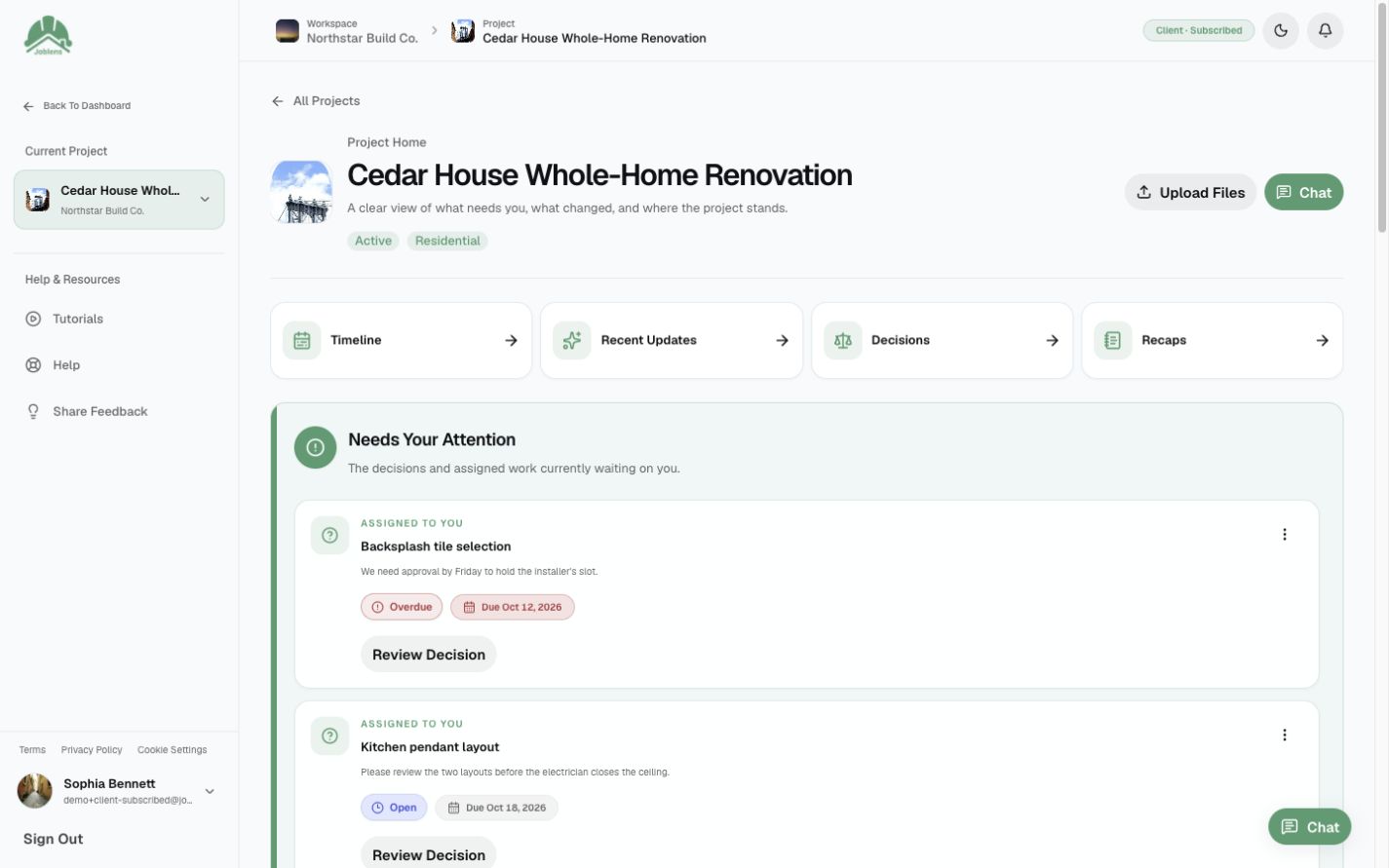
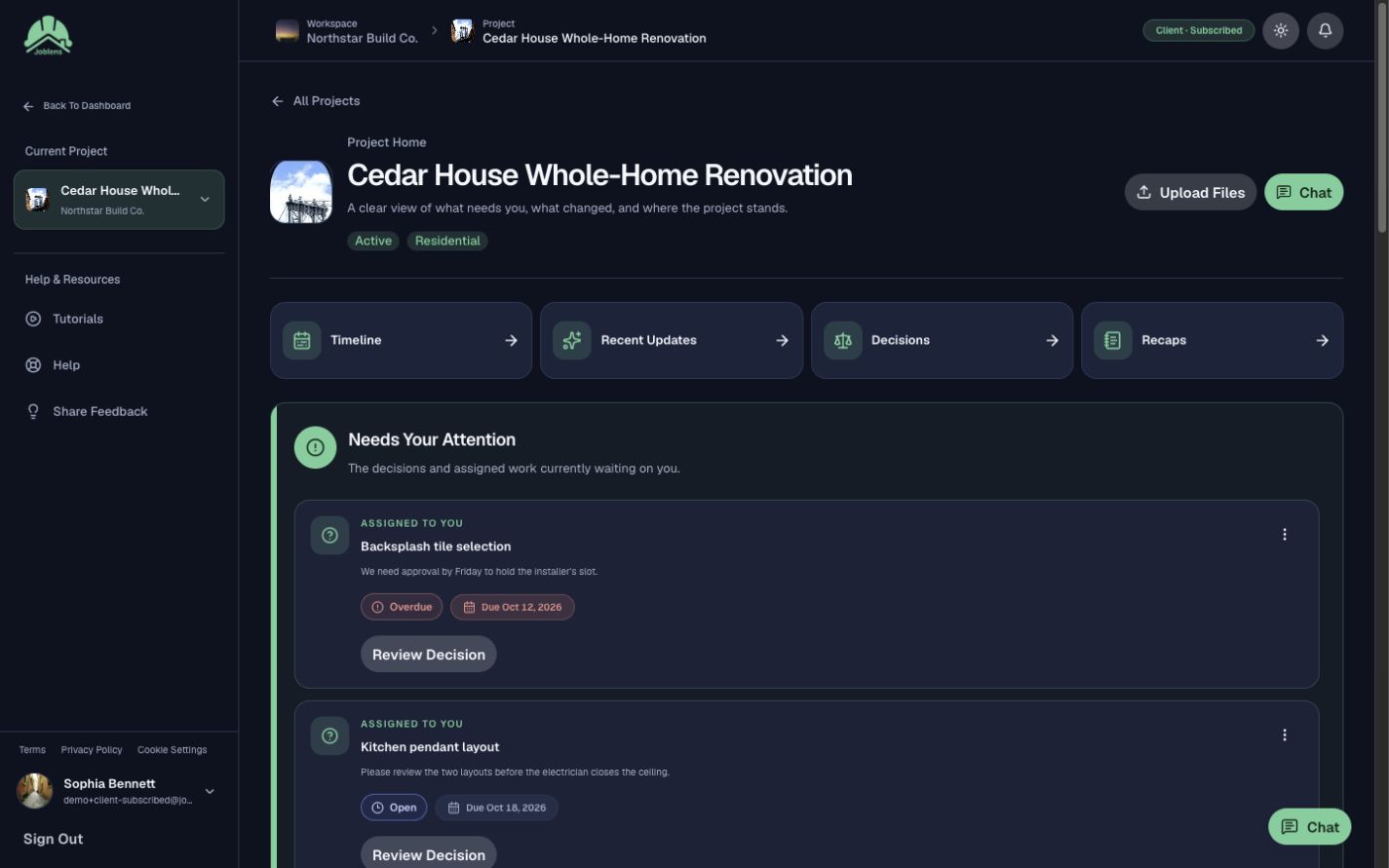
Find What Changed.
Photos, updates, and decisions stay with the job, so your crew finds them fast.
We use essential cookies and browser storage to keep you signed in, secure the app, remember your choices, and support features you use. Optional Amplitude analytics helps us understand usage and errors. It stays off unless you accept.
Rejecting optional analytics won't affect uploads or other core features. You can change your choice anytime using Cookie settings. We remember your choice for 180 days when browser storage is available. Privacy policy
Construction Work, Connected
Plans, photos, tasks, and client updates in one place. Your crew knows what’s next. Your clients see where things stand.
Early access is on the way.
From The Field
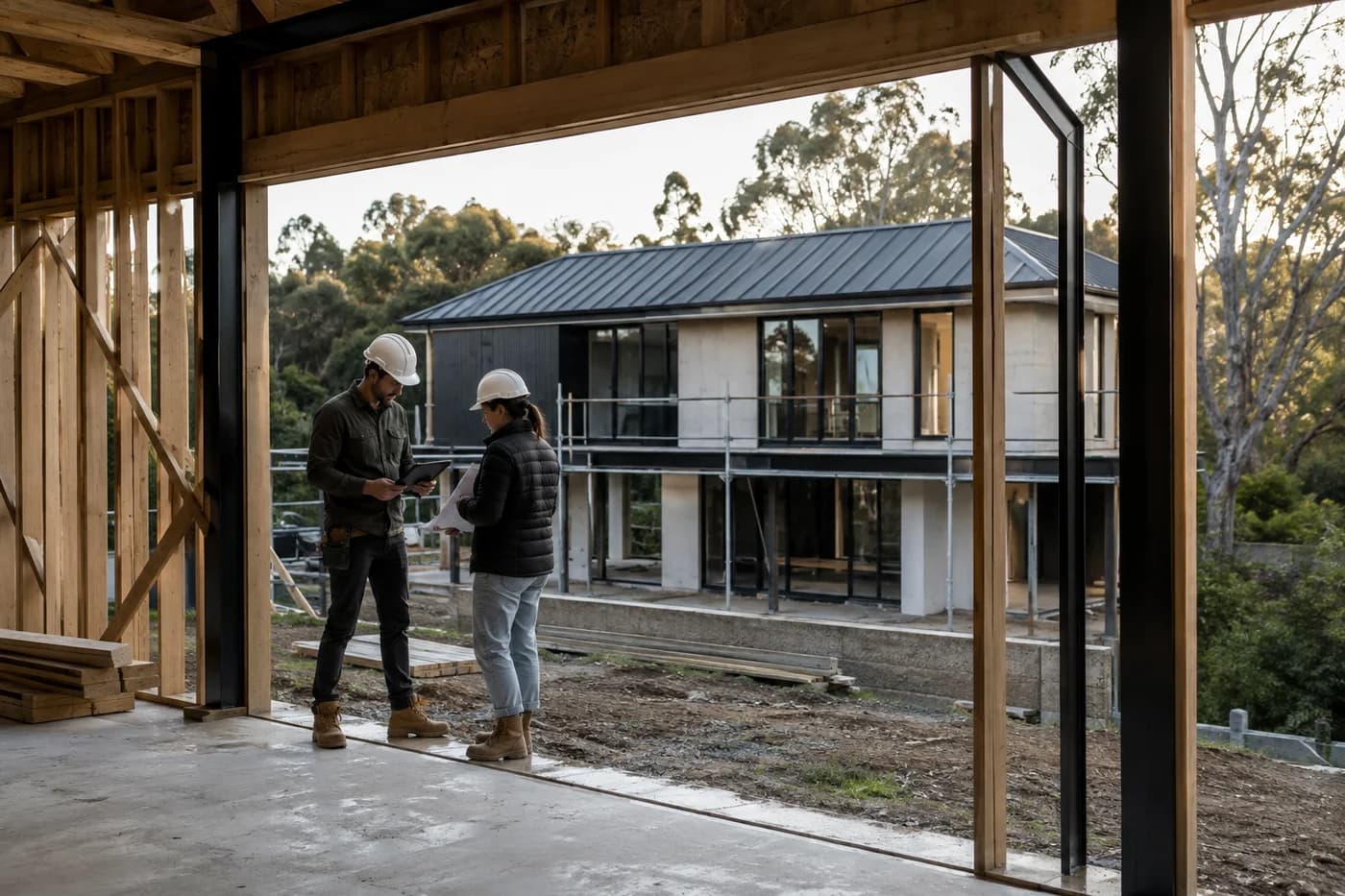
Framing Inspection PassedPhotos and next steps are in the job.One Connected Workspace
The latest photo, last decision, and next step. No digging through texts.
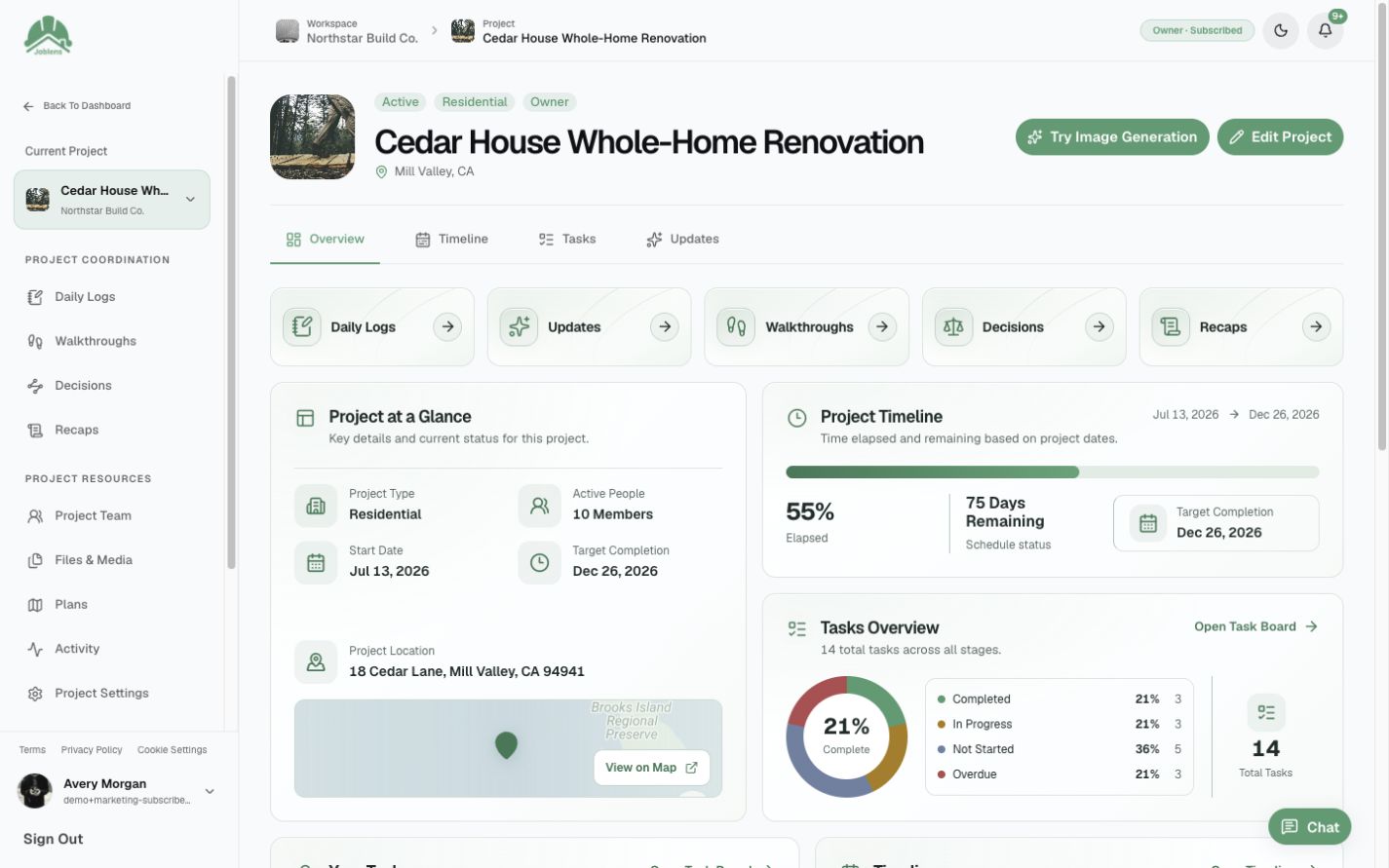
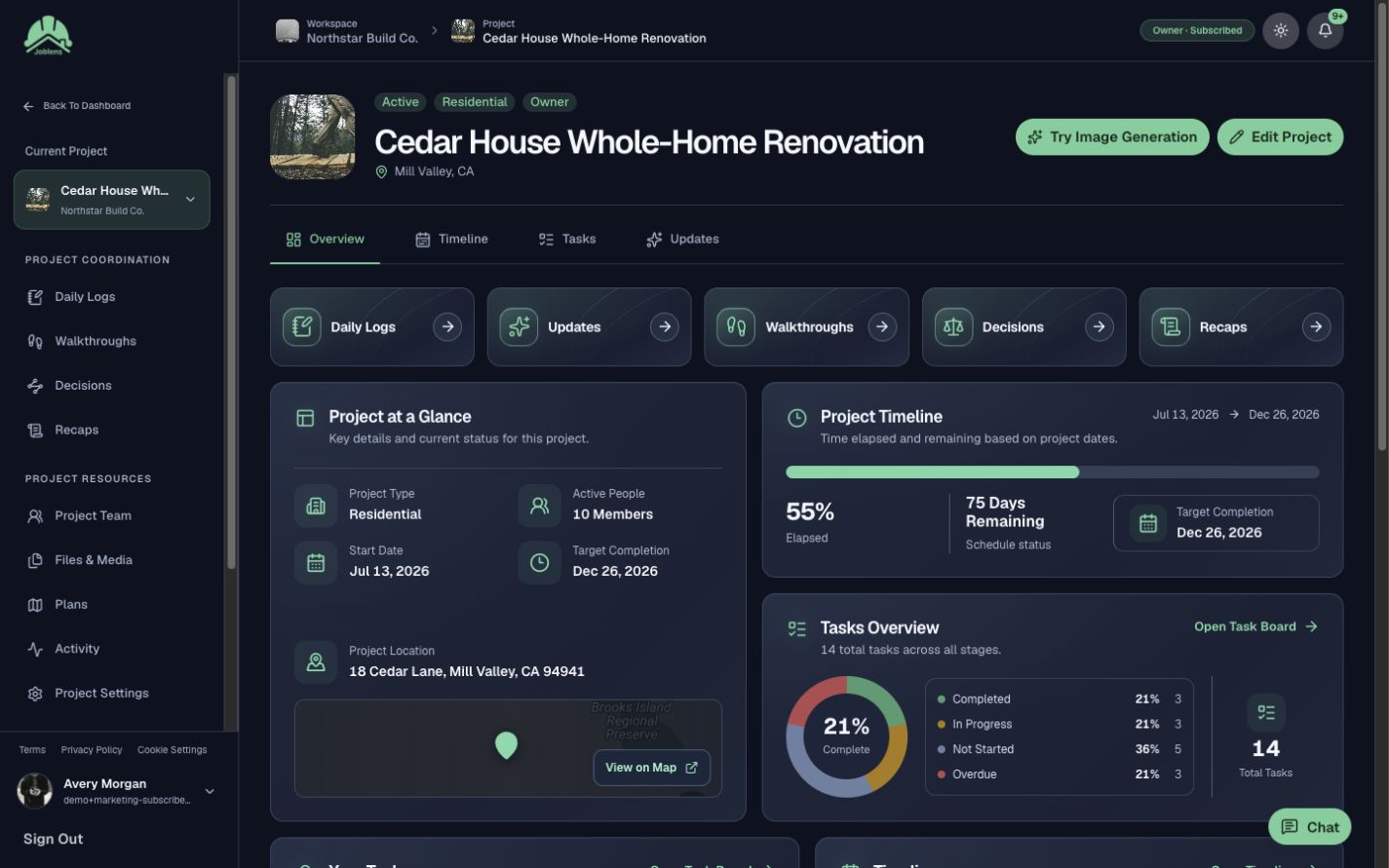
Photos, milestones, and updates. All on one screen.
Photos, updates, and decisions stay with the job, so your crew finds them fast.
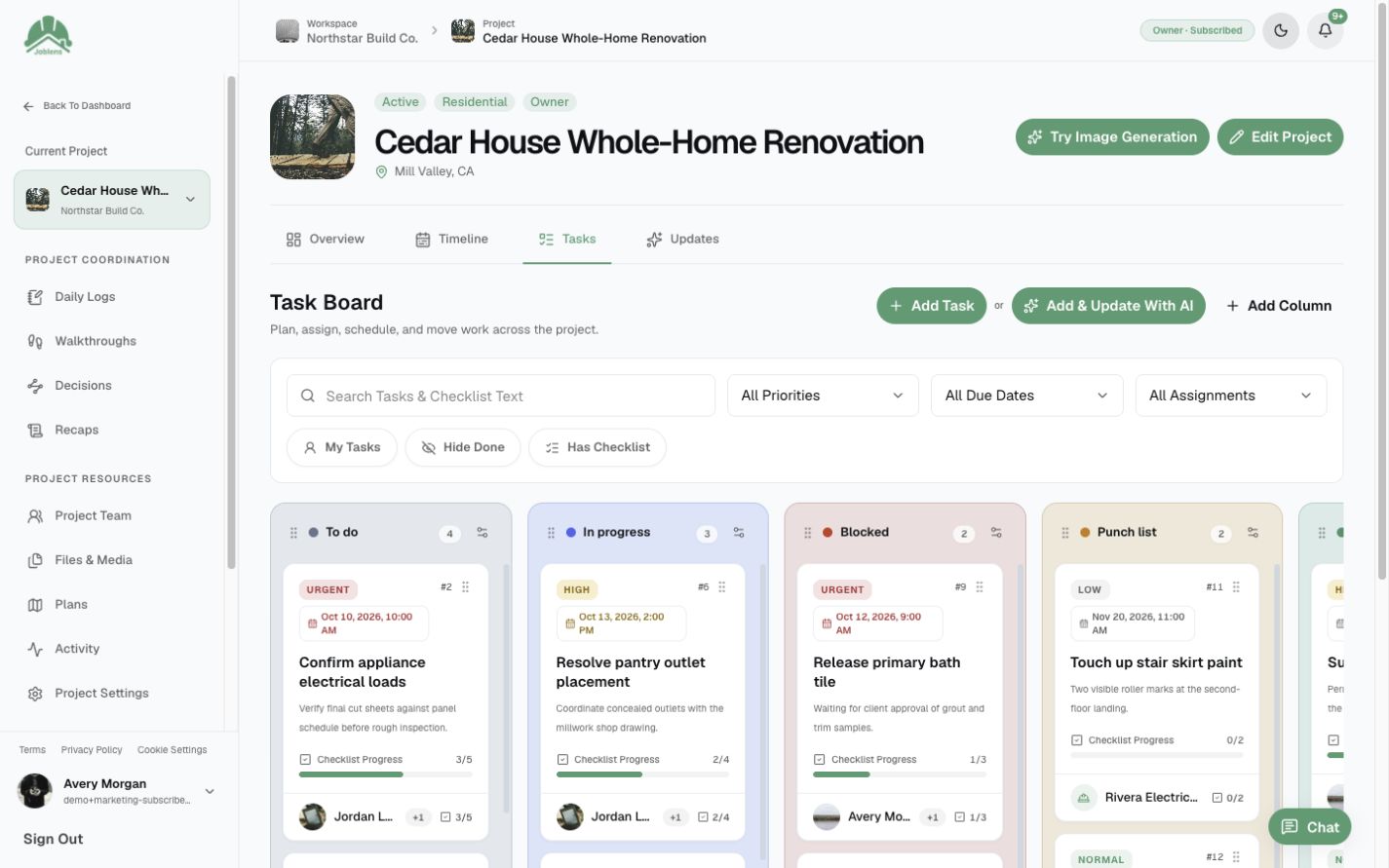
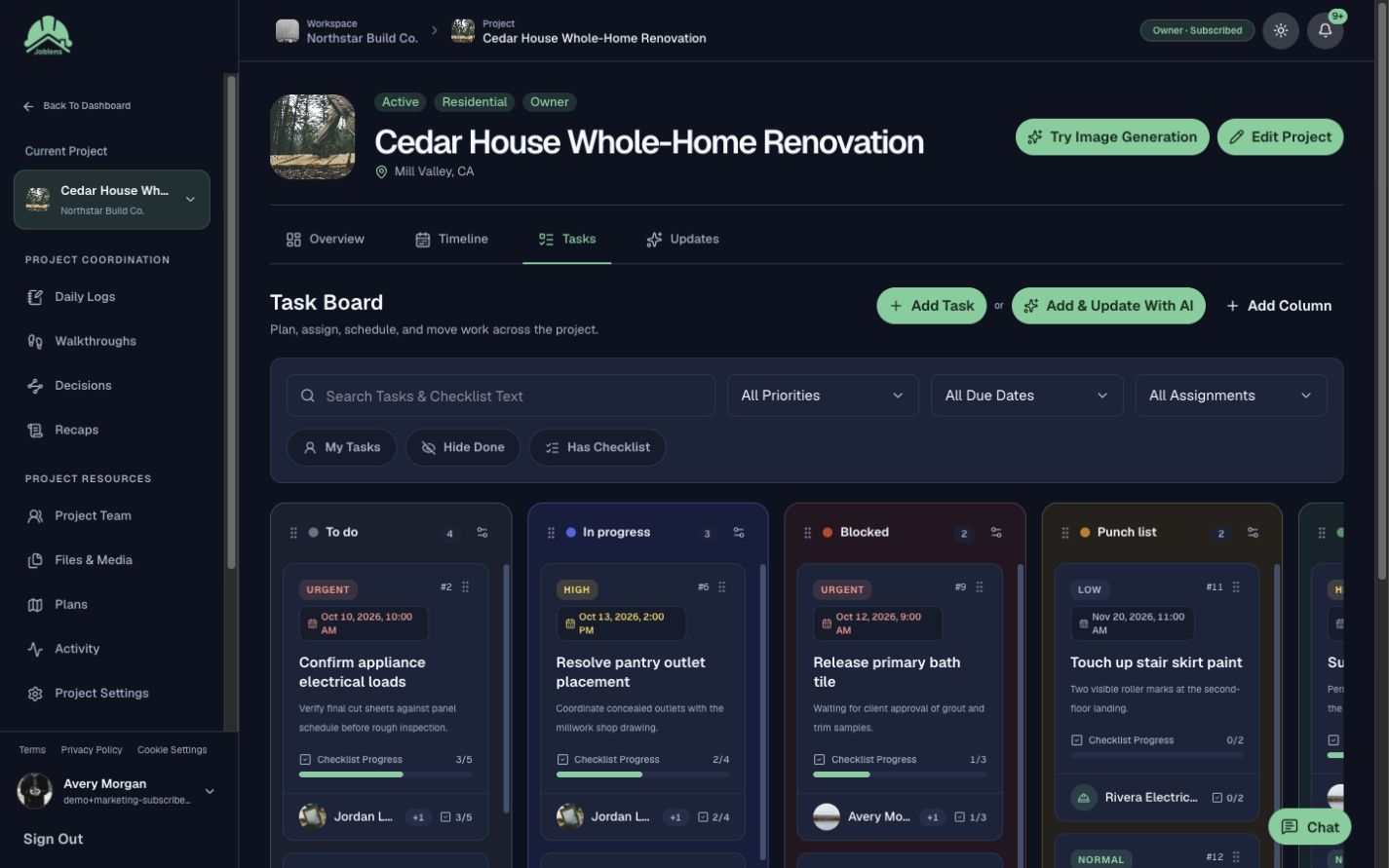
Capture a field note, approve the suggested tasks, and give each one an owner and due date.
Share progress and decisions with clients. Internal notes stay with your crew.
For Your Business
Capture the day, walk the site, and give everyone a clear next step.
Record what happened on site while it is fresh. Find it later when you need it.
Capture photos and voice notes as you walk. Check the draft before you share it.
Assign the next step, set a due date, and see what is done.

For Your Clients
Give clients one clear place to see milestones, photos, decisions, and updates. Crew-only work stays private.
Show what is done and what comes next on a shared timeline.
Share photos and a short update when the job moves forward.
Keep client questions, selections, and final answers with the job.
Send scheduled recaps based on the project information shared with each client.
Choose what clients see. Keep team notes and conversations with your crew.
Clients can see published walkthroughs shared with them and only the tasks assigned to them.
Only What You Share Crosses This Line.
At The Desk And On Site
Plan work on the web today. Native iPhone and iPad apps are coming soon.
Plan work, find files, and keep the team and clients updated.
The same project and permissions follow you across screens.
Tools For The Whole Job
Mark up photos, assign tasks, log the day, and keep clients in the loop, all in one place.
Explore Features By Topic
A Simple Way To Scale
Seats are for your teammates. Your owner account, clients, and subcontractors don’t count.
Your owner seat is on us.
You don’t count toward your team’s seats.
3 teammates = 3 seats
0 seats
0 seats
More projects. More clients. The same team seat count.
Unlimited clientsUnlimited subcontractors
Unlimited projects on Team and Business plans.
Plans And Pricing
Adjust your team seats to see each plan’s price update below.
Count internal teammates and pending invitations. Your owner account, clients, and subcontractors don’t use seats.
Billing Interval
JobLens Team: $59.00, billed monthly.
Start tracking a job with the core workspace.
$0.00/ mo
1 seat included
Base plan price
What's Included
Keep your active jobs organized in one place.
$19.00/ mo
1 seat included
Base plan price
What's Included
Keep your crew on the same page across jobs.
$59.00/ mo
3 seats included
Base plan price
What's Included
Give a growing team room to manage more work.
$149.00/ mo
5 seats included
Base plan price
What's Included
No contracts. Change plans as your project workload changes.
Start With JobLens
Join the waitlist. We’ll email you as soon as early access opens.
Log In